 AllShot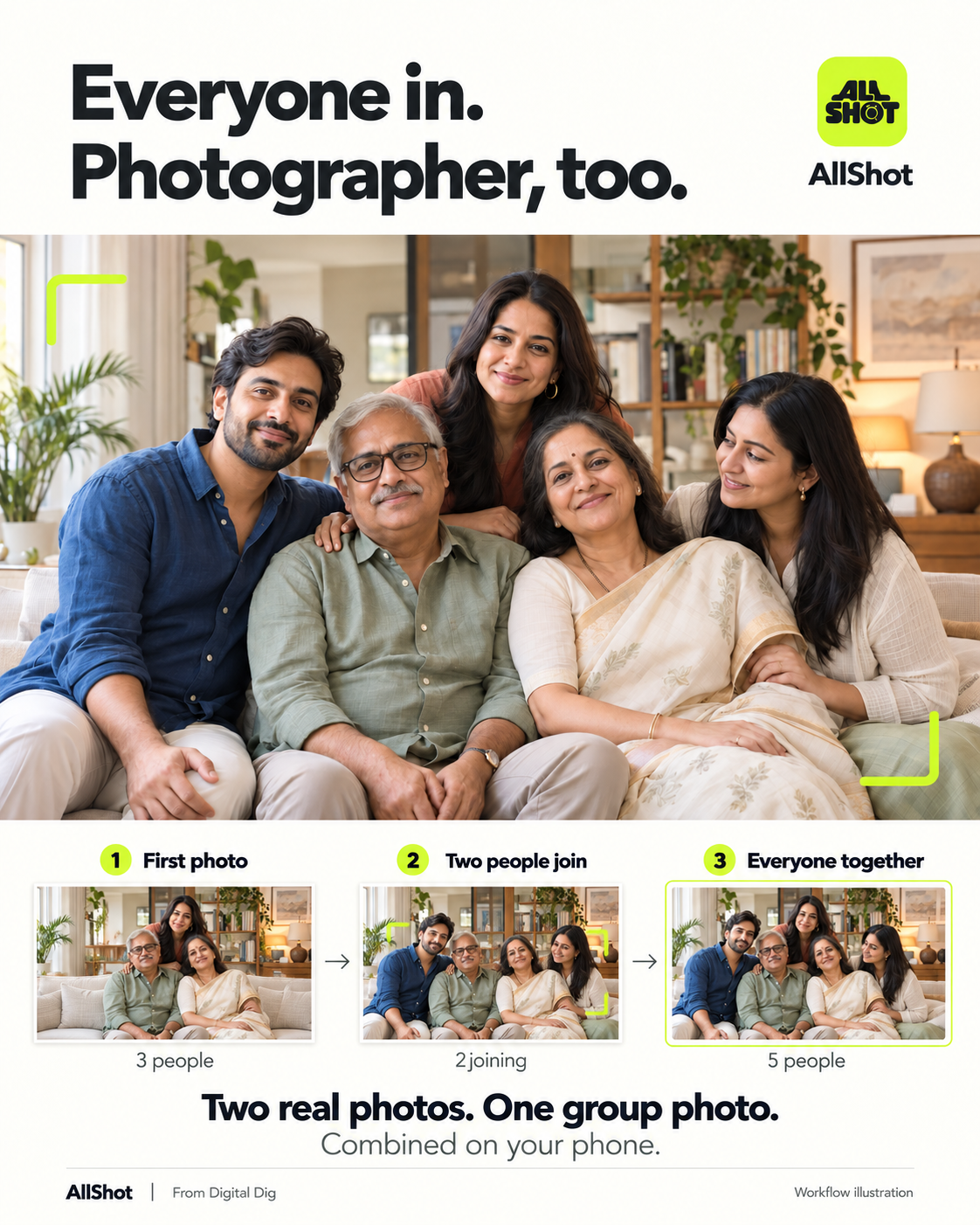
/ A family moment
Two more people. One shared photo.
Three people start the photo. After the camera handoff, two more join the second capture. Bring all five together.
View full image Digital DigIndependent software studio
Bring photographed people from two shots into one group photo, as part of taking the picture.
Google Play release in preparationA shared moment.
A place for the photographer.
Three people start the photo. After the camera handoff, two more join the second capture. Bring all five together.
View full image
Pass the camera. Step into the scene. Bring the photographer into the group photo with AllShot.
View full image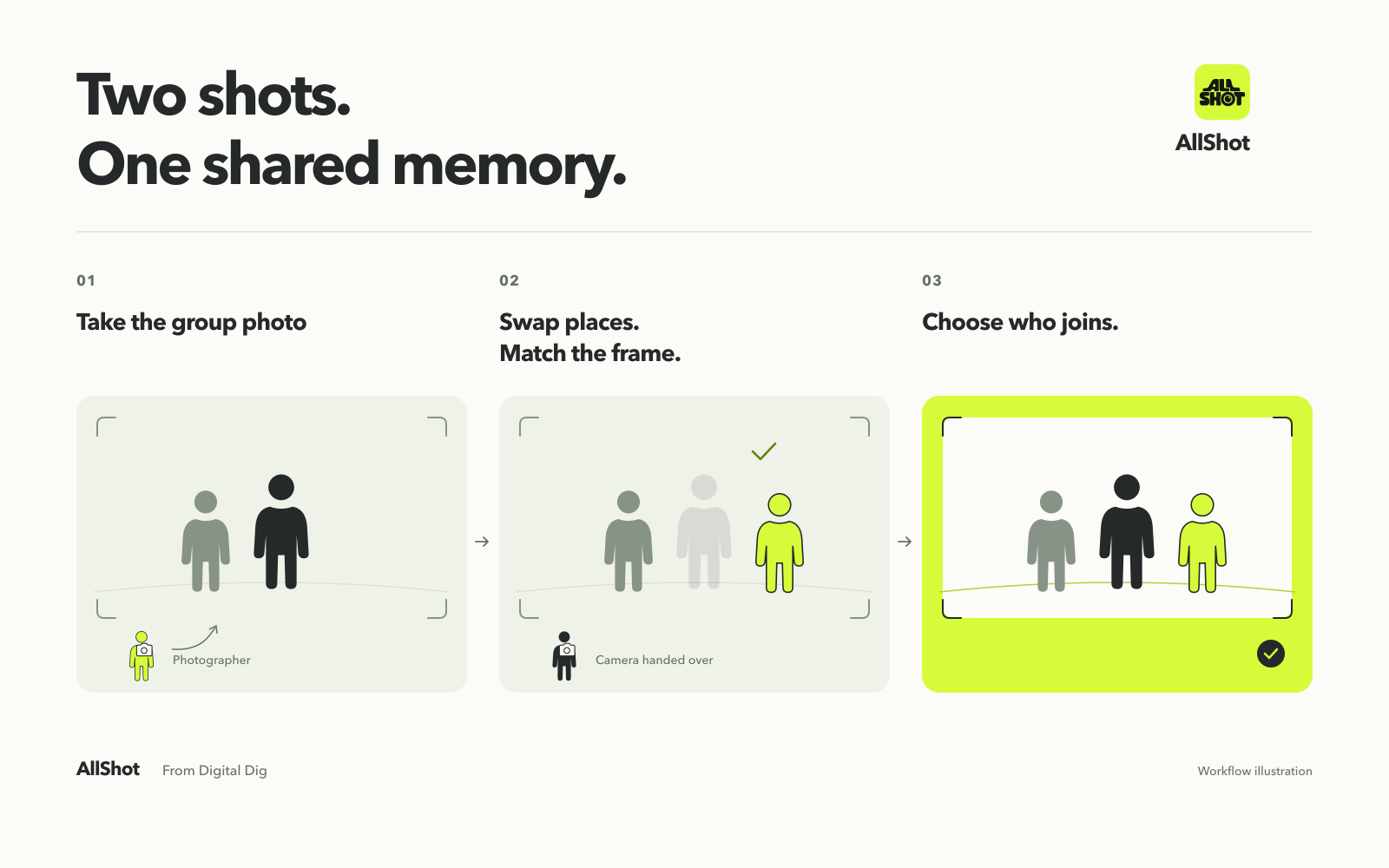
Capture the first photo, hand over the phone, then match the view for the second. Select the incoming people and review the result before saving.
View full imageIllustrated workflow. Actual results depend on your captures.
AllShot combines photographed people. It does not generate a replacement face.
Select the people joining the second photo. Refine small details and choose how people overlap before saving.
The photo pair is processed on your device. No in-app account or automatic photo upload.
Start with your phone’s camera and an optional floating All Shot shortcut, or open guided capture directly. Both photos in the guided sequence use AllShot’s camera.
Floating mode needs Android’s “Appear on top” permission. AllShot is being tested on phones including the Samsung Galaxy Z Fold7; compatibility and capture quality vary by device.
Floating shortcut helpFollow the 30-second walkthrough, then get a few tips for a better result.
AllShot is being prepared for Google Play. To ask about testing, email your Android phone model and the Google Play account you would use.
Ask about testingNo test link is live yet. Participation is optional, and no launch date is promised.